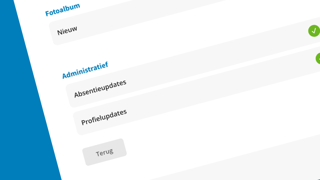
With the latest update to Ziber Team, you can manage absence notifications and profile changes yourself.
Previously, team members with an administration role always received emails about new absences and profile changes. These notifications could not be turned off. From now on, however, this is possible.
How do you set this up?
In Ziber Team, go to your profile (top right) and click Notifications. At the bottom, you'll find the Administrative section, with the options: Absence notifications and Profile changes
Please note:
If you turn off notifications for profile changes, you won't see those changes reflected in Ziber Team. For the most up-to-date information, you can consult the parent's profile.